
For which operating system would you like to download Crow Backup?
Latest version: {{versions.version}}
Docker
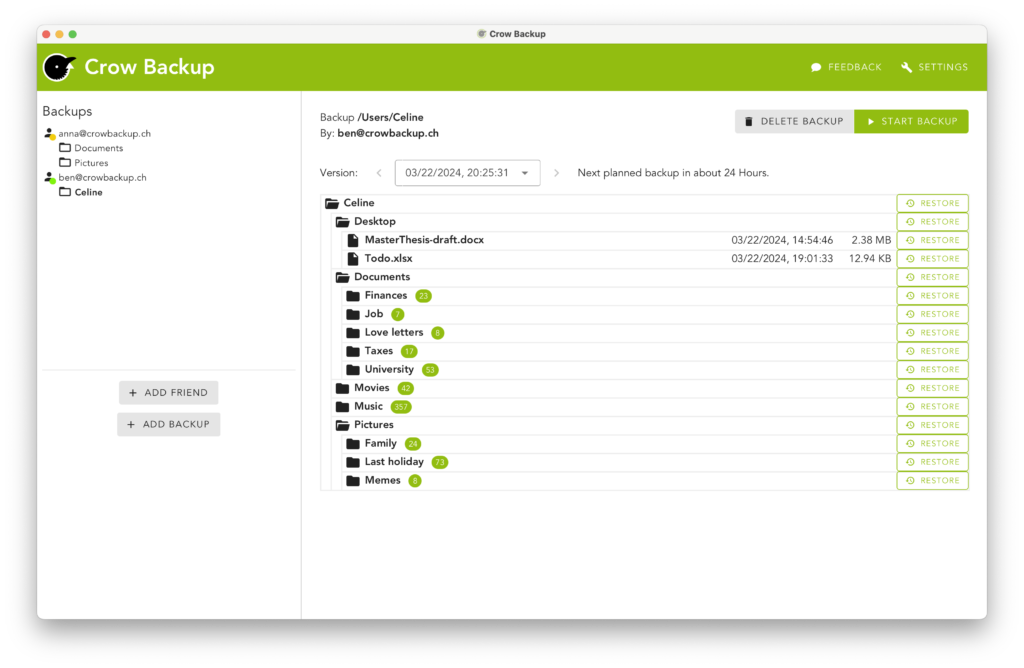
Crow Backup can be run in a docker container. This is especially useful when it runs on a NAS without any UI. Access can still be made by using a Browser in the same network.
Container starten
macOS / Linux
docker run --name crow-backup -v $HOME/.crow:/data --restart=always -p 58300:58300 -p 58325:58325 registry.gitlab.com/crow-backup/crow-base/client
Windows
docker run --name crow-backup -v %userprofile%/.crow:/data --restart=always -p 58300:58300 -p 58325:58325 registry.gitlab.com/crow-backup/crow-base/client
Explanation of the Options
- -v <X>/.crow:/data
Links the hidden .crow directory in your user folder to /data in the container. This way, your settings and data are preserved. - –restart=always
Automatically restarts the container if it crashes or the host is restarted. - -p 58325:58325
This port is used for detecting other Crow Backup instances in the local network. - -p 58300:58300
This port is used for the web interface for administration.
Access
Open your browser and visit the following address:
http://localhost:58300