
Free. Encrypted. Together.
Your files.
With a friend.Free and encrypted.
Keep a backup of your photos and documents on a friend’s computer, and offer space for theirs on yours. Crow Backup encrypts your files before they leave your computer, so your friend cannot read them.
Windows · macOS · Linux. Free software, using storage you and your friend provide.
Your first backup, together
1. Install Crow Backup
You and your friend each install the app and create an account.
2. Connect and share space
Add your friend using their email address and ask them to accept. If they have not registered yet, Crow Backup sends an invitation. Each of you chooses how much space to share.
3. Try a small folder
Choose a folder and your friend as the destination, then start the backup. Keep both computers online. Wait for it to finish, then restore a file to try recovery.
Once you have tried it, add the folders you want to protect. A large first backup can take longer, depending on your connection and the amount of data. Crow Backup creates subsequent backups automatically when your friend is reachable.
Have someone in mind? Start together.
Choose a friend or family member with spare disk space. Agree on how much space to offer each other and when you can keep Crow Backup running.
Copy this message and send it to your friend:
Want to help each other back up our photos and documents? Crow Backup lets us store encrypted backups on each other’s computers. We each choose how much disk space to share, and we cannot read each other’s files. The software is free. Shall we try it with a small folder first? https://crowbackup.ch/en/
You can install Crow Backup now and invite your friend from the app. Your first backup needs an accepted friendship and an available connection.
Download Crow BackupBefore you start
Can my friend read my files?
How much disk space do we need?
Do both computers need to be online?
What if my friend deletes my backup or stops using Crow Backup?
Are Crow Backup servers involved?
Why is it free?
Where is Crow Backup available?
Why back up with a friend?
Backups without swapping drives
- Back up over the internet to a friend’s computer.
- Restore files when your friend is reachable.
- Automatic follow-up backups after setup.
Encrypted before transfer
- End-to-end encryption (AES-256).
- Your friend cannot read your files.
- Use storage provided by people you know.

Free software, shared storage
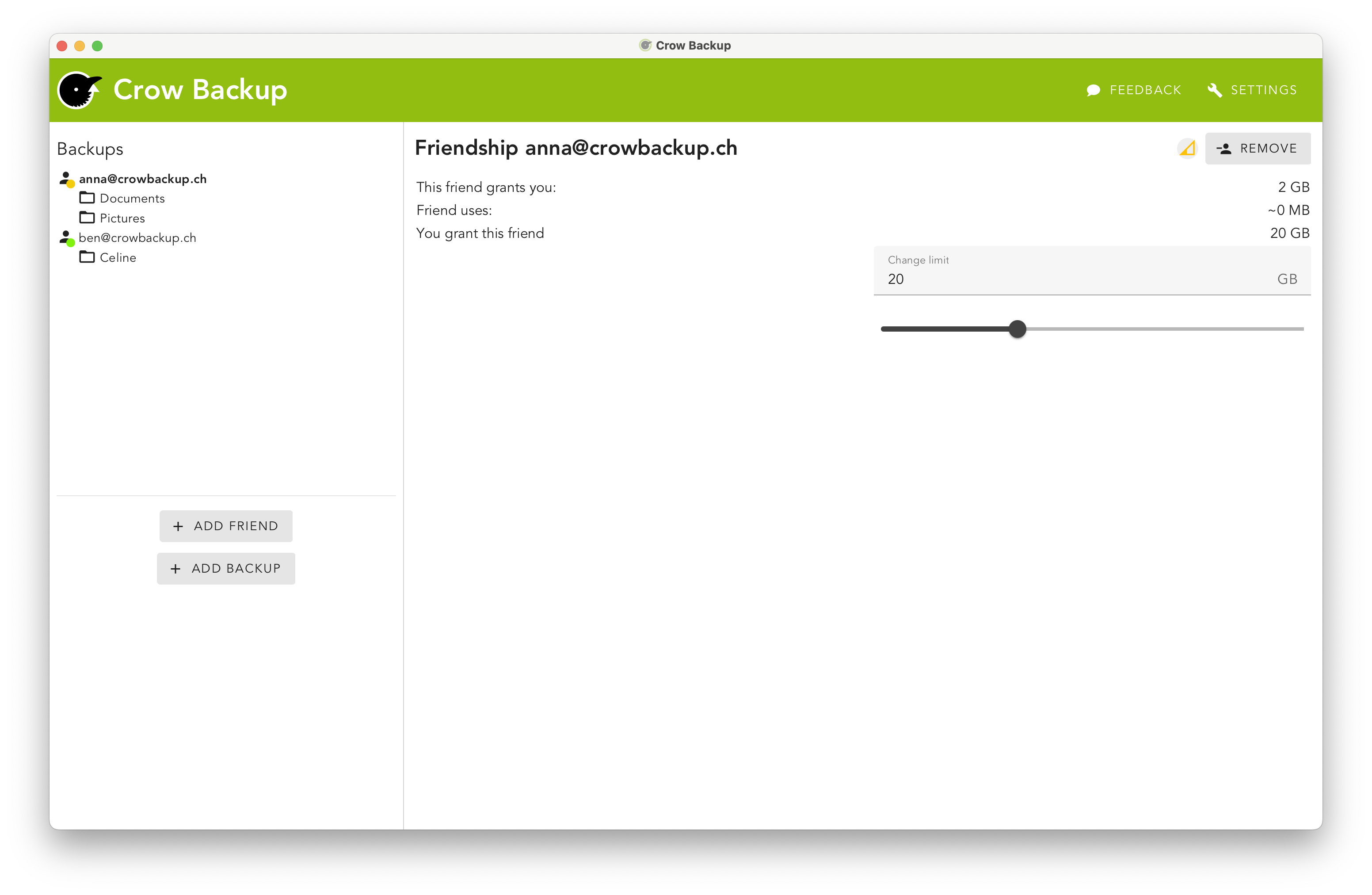
- Each person chooses how much space to offer.
- No Crow Backup subscription fee.
- Development and running costs are supported by donations.

See Crow Backup in action
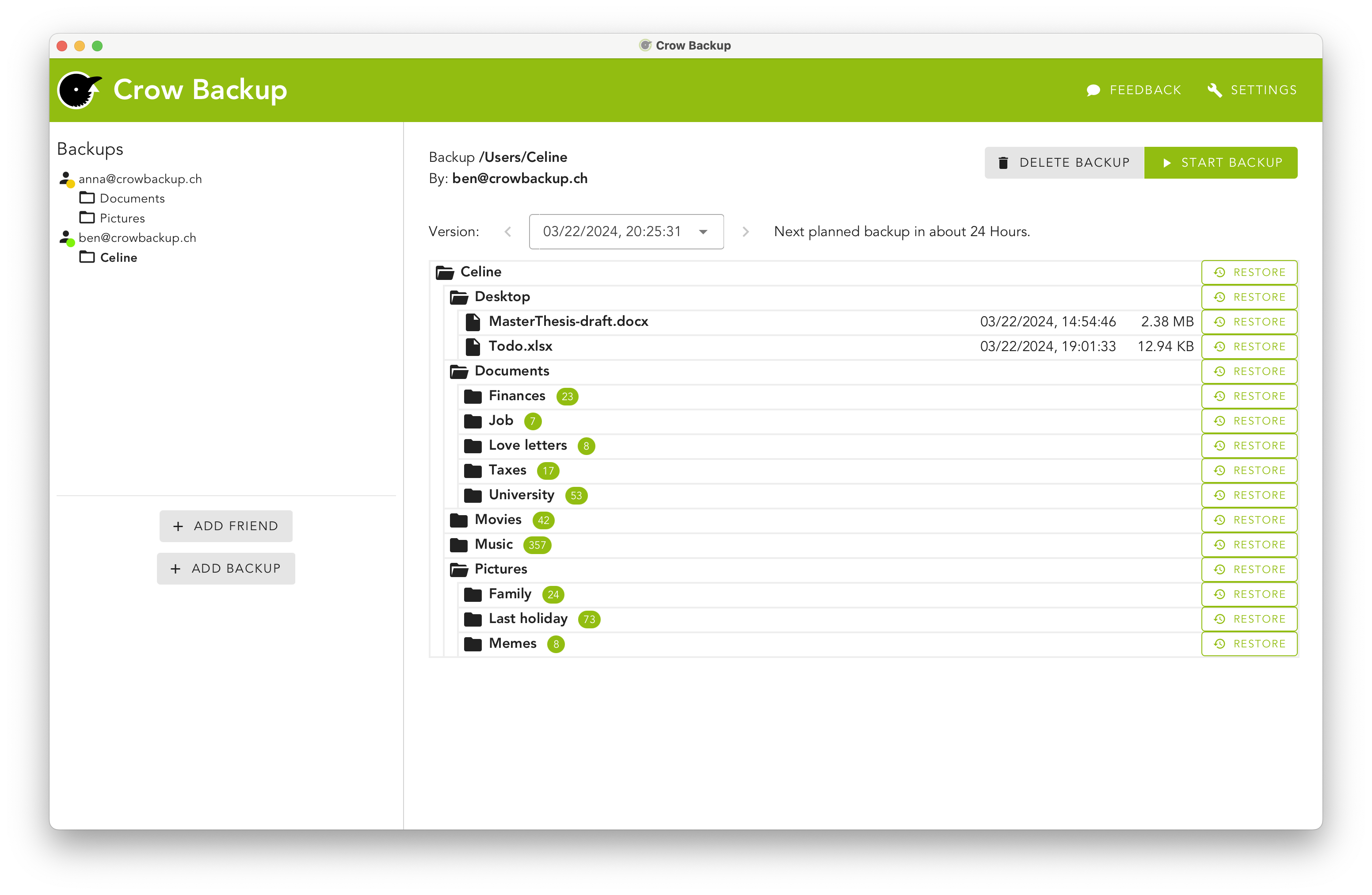
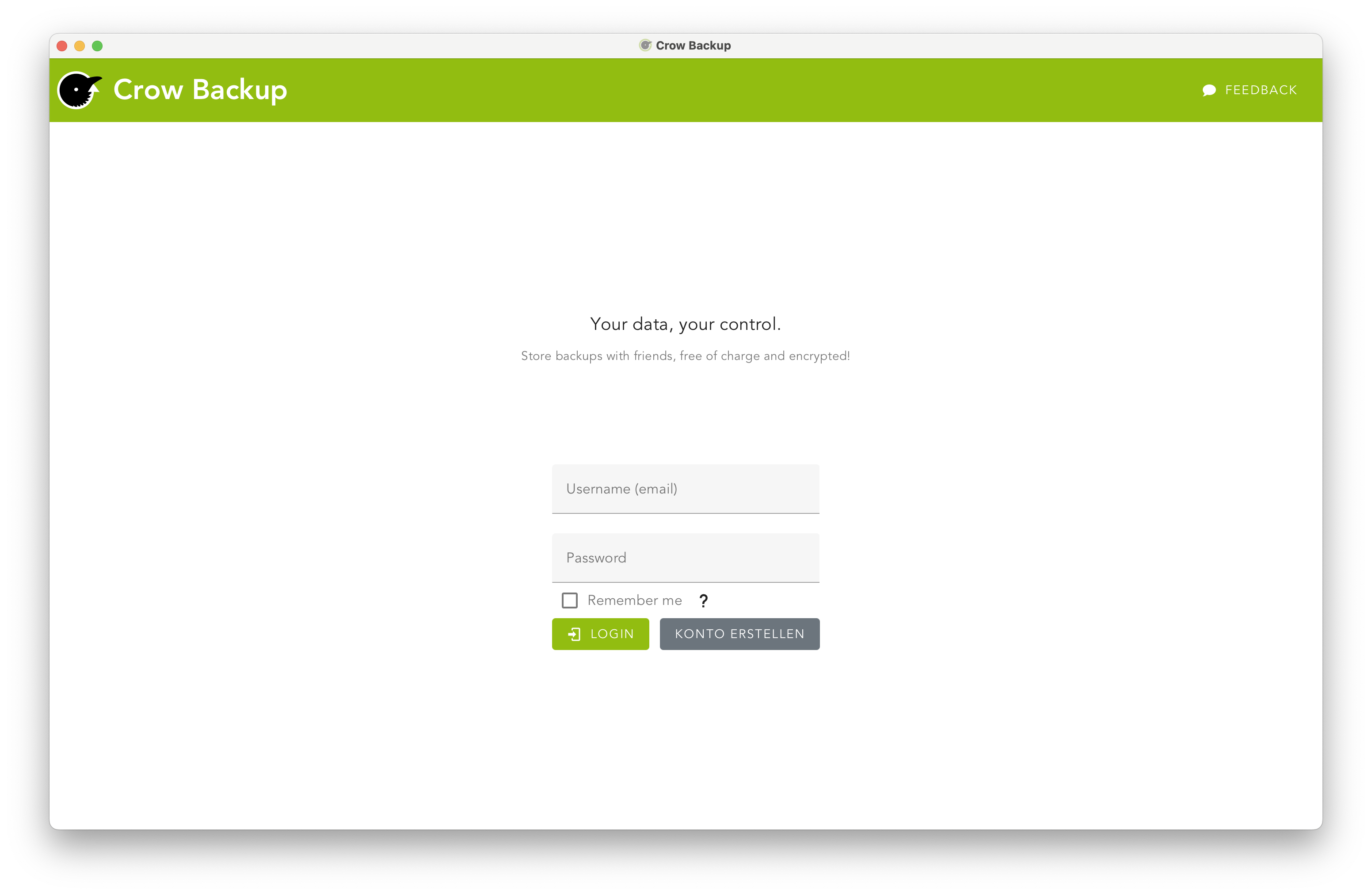
Explore the login, backup and friendship screens.
What is Crow Backup? (Video in German)
Compare backup options
How Crow Backup, cloud backup and local backup compare
| Feature | Crow Backup | Cloud backup | Local backup |
|---|---|---|---|
| Cost | Free software; you and your friends provide storage | Depends on provider and storage plan; recurring fees are common | Requires available storage or a separate drive |
| Privacy | End-to-end encrypted; friends store encrypted files | Encryption and provider access depend on the service | Encryption depends on the software and settings |
| Control | You choose friends, folders and shared storage limits | Features and retention depend on the provider | You manage the device, software and backup schedule |
| Storage location | Friends‘ computers; Crow servers may temporarily store encrypted backups | Provider-operated infrastructure | Wherever you keep the backup device |
Keep another independent copy of important files. With Crow Backup, recovery depends on your backup still being available and your friend being reachable.
Why we built Crow Backup
Our vision is to offer a secure backup solution using the world’s unused storage space on private computers. Free of charge. For everyone.
That is our long-term vision. Crow Backup is currently intended for the Swiss market, as explained in our FAQ .
Learn more
Start your first backup with a friend
Install Crow Backup, invite someone you know, and try backing up a small folder together.